
Exness for PC — download on Windows 10 & 11 · Kenya
Phone app or desktop terminal? On a PC, trading runs through MetaTrader 5 or MetaTrader 4, with one download for every region; the Exness Trade app stays on the phone.
Open Exness Account →A Windows machine in Kenya is usually the one device that can be left running, and that changes what it is good for. Windows 10 and Windows 11 both host the MetaTrader desktop terminal, and a computer that stays on through the late-afternoon and evening hours keeps a multi-chart workspace ready rather than being set up each time.
What a Windows machine actually runs
| Route | What it is |
|---|---|
| Phone app | Exness Trade app, built for Android and iOS, with no Windows version |
| Desktop terminal | MetaTrader 5 (MT5) or MetaTrader 4 (MT4) on Windows 10 and Windows 11 |
| Browser route | Exness Terminal, which runs in a browser with nothing to install |
| Installer | A Windows .exe linked from the Exness Personal Area after sign-in |
A Windows machine left running through the Kenyan evening
The desktop terminal installs on Windows through an ordinary installer and stores its settings locally: chart templates, timeframes, indicators and the arrangement of windows. Reopening it returns that workspace, which is the practical difference between a desktop terminal and a session opened fresh in a browser each time.
Kenya sits at UTC+3. The European session opens in the late morning and the North American session in the late afternoon, so the stretch people can actually watch begins after working hours and runs into the evening. A machine that stays powered through that stretch removes the start-up step, and its screen has room for several instruments side by side.
Leaving a computer signed in has an obvious consequence: anyone at the keyboard is inside the session. A Windows account password and a screen lock on a short timeout are the ordinary protections, and they matter more on a machine deliberately left running than on one shut down every night.
Why the phone app never turns up on a PC
The Exness Trade app is written for Android and iOS phones. No Windows version of it exists, so a file carrying that name, or a page promising one, is not something the account area hands out.
What connects to an Exness account on a laptop or desktop is a trading terminal built by MetaQuotes:
- MetaTrader 5 (MT5) for Windows 10 and Windows 11, with a macOS version for Mac machines as well
- MetaTrader 4 (MT4) for Windows
- Exness Terminal, a web platform that runs in a browser with nothing to install
The download is not tied to a location either. There is no country edition of the installer to look for: the same file is offered to every account holder, and a local-looking web address does not change that.
Checking that the file came from the account, not a copy
Search results for a PC download are full of pages that reproduce an installer and wrap it in something of their own. The check takes a moment: the file should be reached from inside the Exness Personal Area, after sign-in, rather than from a page that merely carries the name.
- The address bar should still show the Exness site at the moment the download starts.
- The file is a plain Windows .exe that installs the terminal; an archive or an extra helper program is a warning sign.
- A request to switch off antivirus protection before installing is another one.
If a file is already sitting in the downloads folder and its origin is unclear, delete it and download it again from the Personal Area.
The first launch on a laptop
The .exe installs the terminal; it does not log in on its own. The first launch asks for three details that must belong to the same account: the trading account number, the password, and the server name that the Personal Area shows for that account. The same fields sit under File → Login to Trade Account if the window is closed by mistake.
Two things catch people out on a laptop. The server name belongs to a single account, so a value copied from a guide or a screenshot is often the wrong one. And the terminal is the same program for a new account and an old one, so a failed login points to a mismatched detail, not to a missing download.
Trading CFDs carries risk.
Questions people type about the PC download
Is there an Exness app for Windows?
No. The Exness Trade app is built for Android and iOS phones, so a Windows PC uses the MetaTrader 5 or MetaTrader 4 desktop terminal instead.
Is there a separate download for each region?
No. The installer linked in the Exness Personal Area is the same one wherever the laptop is set up, and a local-looking web address does not lead to a different edition.
How can a copy site be told apart from the real download?
The real installer is reached from inside the Exness Personal Area after sign-in, with the Exness site still in the address bar. A plain .exe is expected; an archive or an extra helper program is not.
What does the first login ask for?
The trading account number, the password, and the server name that the Personal Area lists for that account. All three have to belong to the same account.
Getting the installer onto the laptop, step by step
1. Sign in to the Personal Area
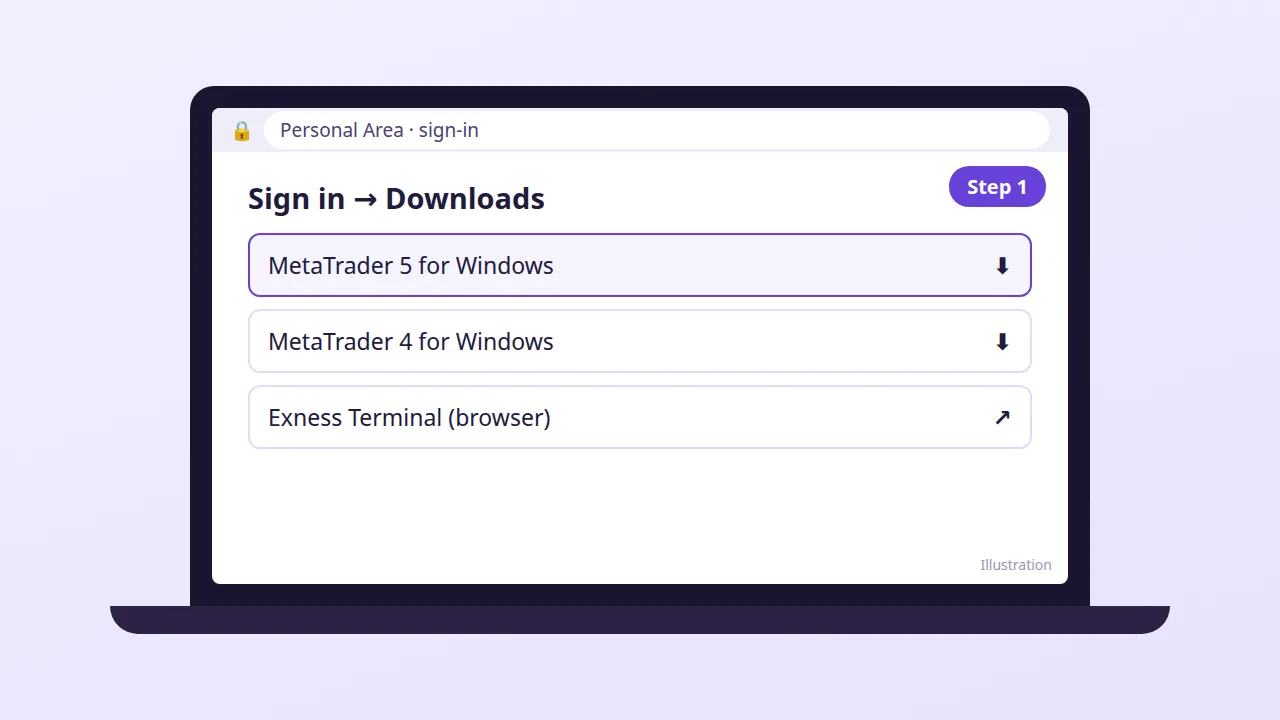
The installers sit behind the login, so start there instead of at a search result, and open the download section of the account area.
2. Choose the terminal and save the .exe
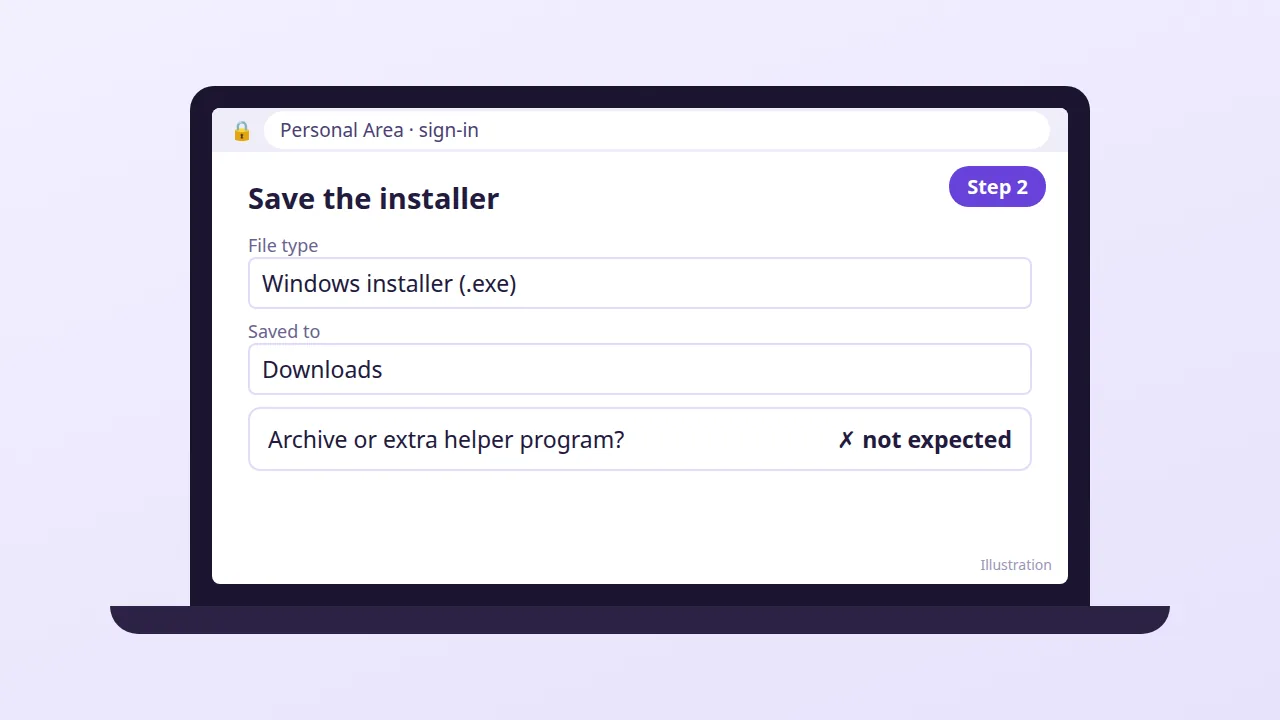
Pick MetaTrader 5 or MetaTrader 4 and save the Windows installer to the laptop. Glance at the file name and the address bar before running anything.
3. Install, then log in
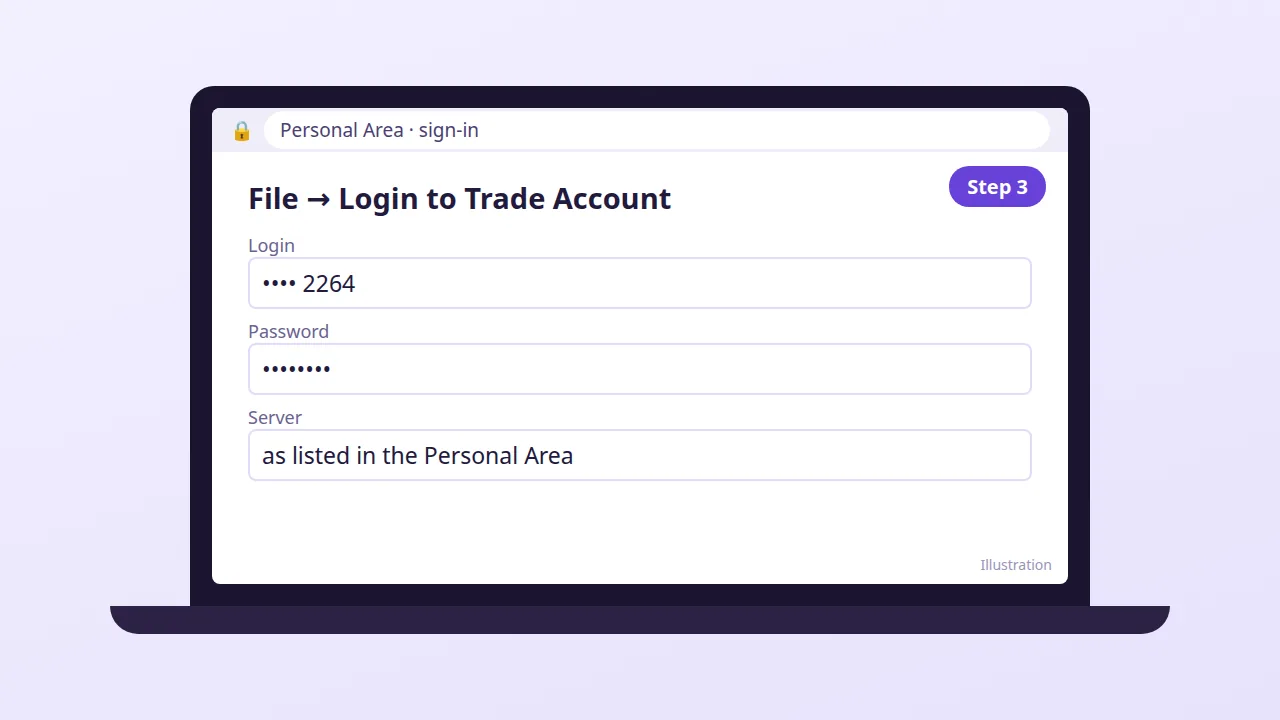
The .exe installs the terminal. On first launch, use File → Login to Trade Account with the account number, password and server name listed in the Personal Area.
Open an Exness account →